[Teams] Set Up Contact Lists - HRIS or CSV
Last updated: November 15, 2025
This guide will show you how to automate birthday, work anniversary, and onboarding gifts.
To get started, at the top of the page, click on Contacts.
Connecting your HRIS
If Rippling is your HRIS, click here for instructions. If you use another HRIS, proceed below.
Click HR Integration.

Click Connect HR.

Click All HR Platforms Except Rippling.

Search for your HR platform at the top of the modal.
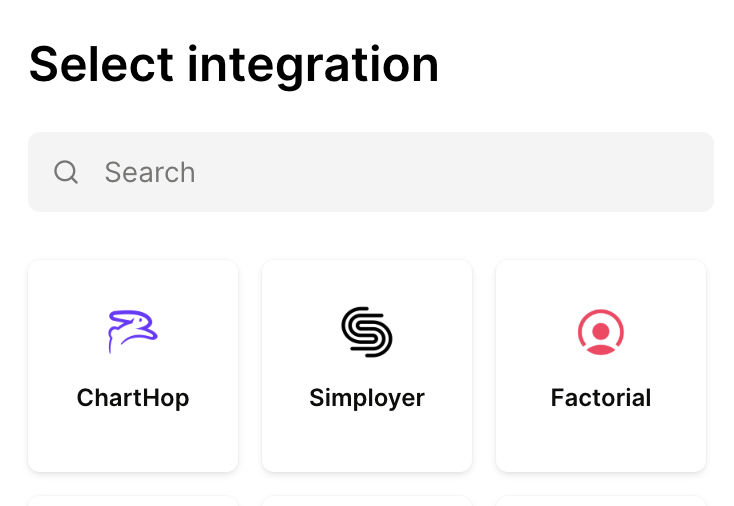
Each HR platform has a different process, those can be reviewed in detail by clicking here.
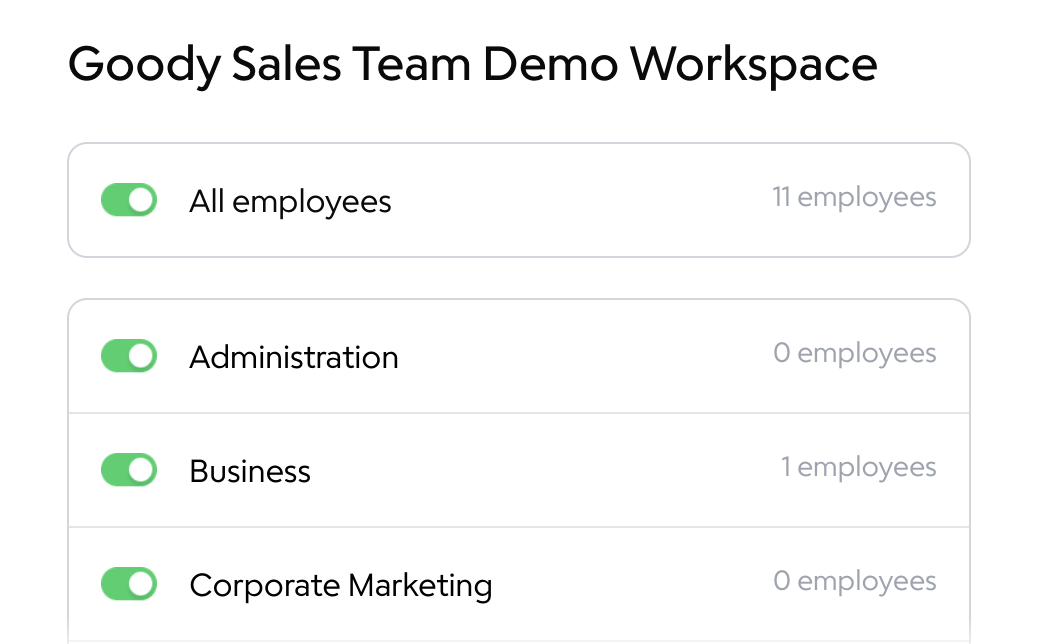
Select the toggles for the teams who should receive gifts, then click Start Sync.
Upload a CSV
If you can't connect your HRIS, you can also create your contact lists for automated gifts by uploading a CSV.
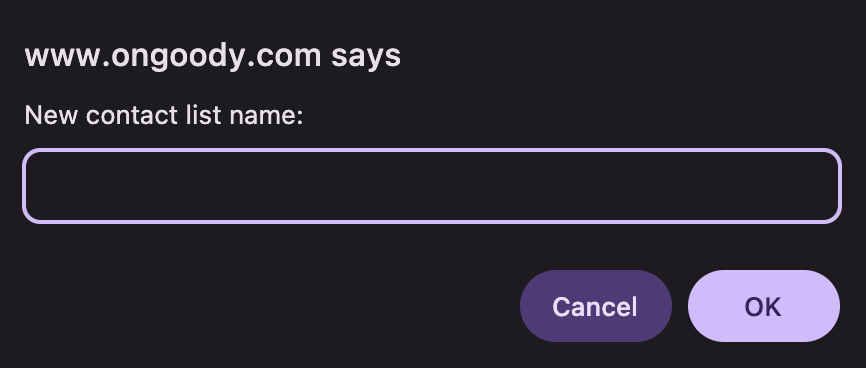
From the Contacts page, click + New Contact List.

Give the contact list a name.
Click Import Contacts.

Upload your CSV.
To keep your contact list updated, pull the full list on a regular basis and upload it again to the same contact list. It will detect new names and delete names that no longer appear on the new CSV.
Important: do not upload to the automatically-created All Contacts list, only to lists you manually create.