[Pro & Teams] Set Up Custom Branding
Last updated: January 8, 2026
Pro & Teams Customers: There are several ways to customize Goody with your company's branding.
Want to make it easy? Screenshot this section for your design team. If designing custom cards and collection banners, tell your design team the themes you would like (e.g. work anniversary, new baby, birthday)
Custom Digital Greeting Cards (corners will be rounded): 800x1130px
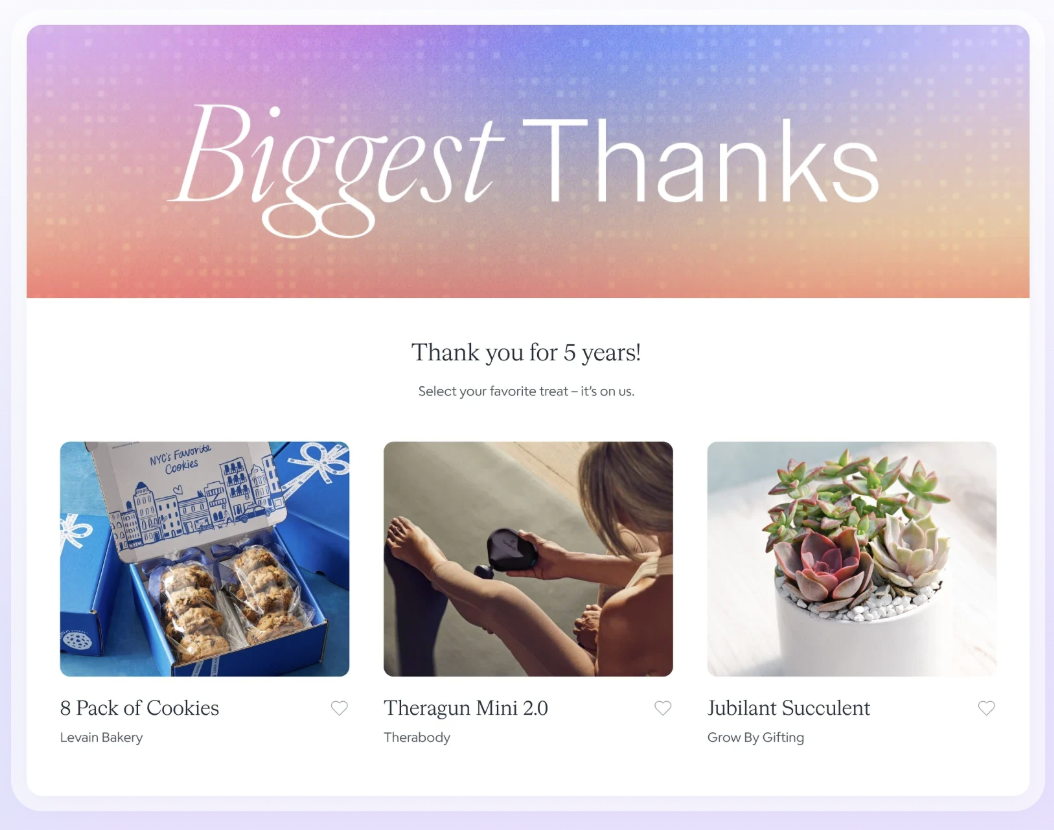
Custom Collection Banners: Recommended 2752 × 880px, but flexible sizing
Provide large PNG files of logo with a transparent background: recommend one full color, one single color black, one single color white
Provide HEX codes for primary company colors
Digital Gift Unwrapping
Get a PNG file of your logo with a transparent background.
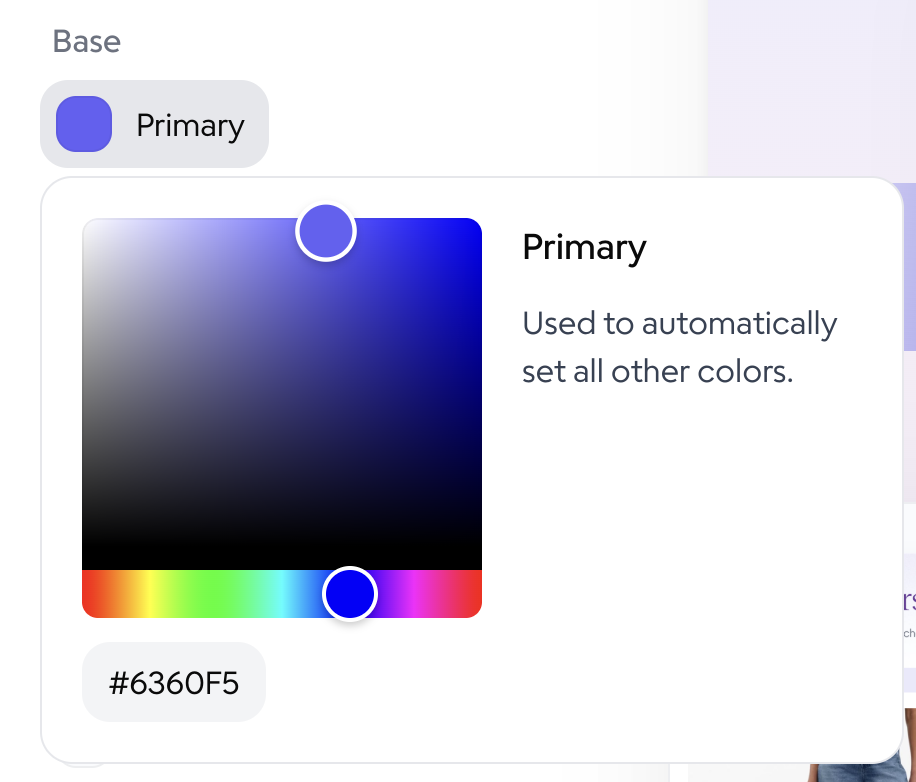
Get the hex codes for your brand colors (6 digit codes that represent colors).
Click the profile icon in the top right on Goody to access your settings.
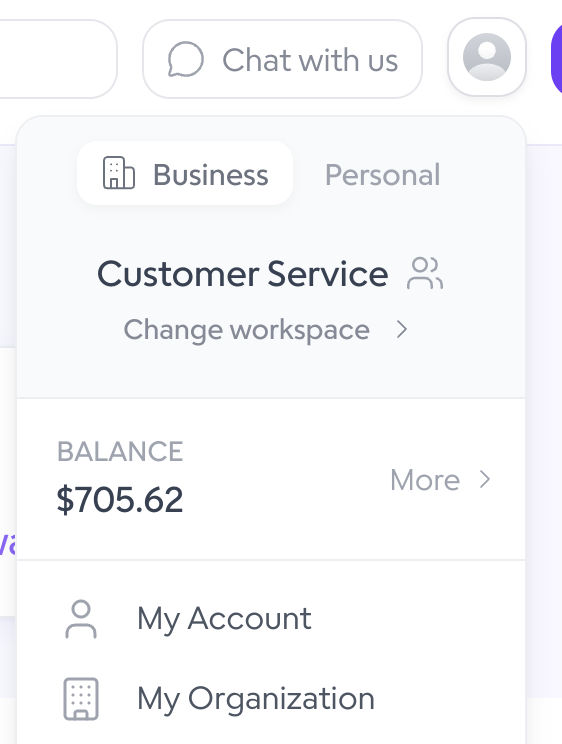
Click on My Organization.
Click on Branding.
Click on Customize Theme.
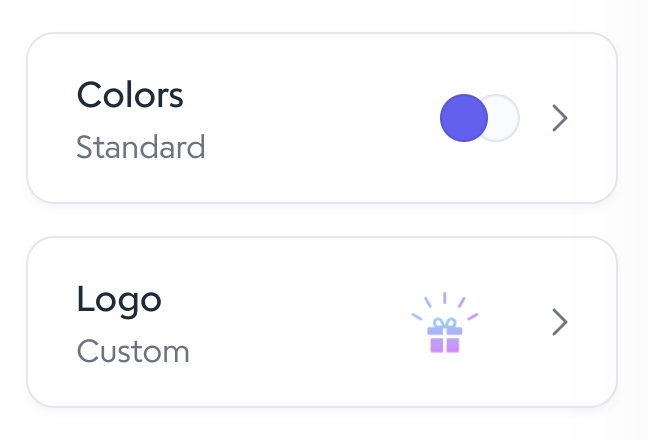
Click on Colors.
Click on the desired color you would like to change and enter the hex code from your brand styleguide.
To upload a logo, click back to the main Branding screen, then click on Logo.
Upload a PNG file with a transparent background.
Click Save.
Digital Greeting Cards
All gifts sent on Goody have a digital greeting card and message. On our Pro or Teams plan, you can upload your own custom cards. These must be vertical PNG files, 800x1130 pixels.
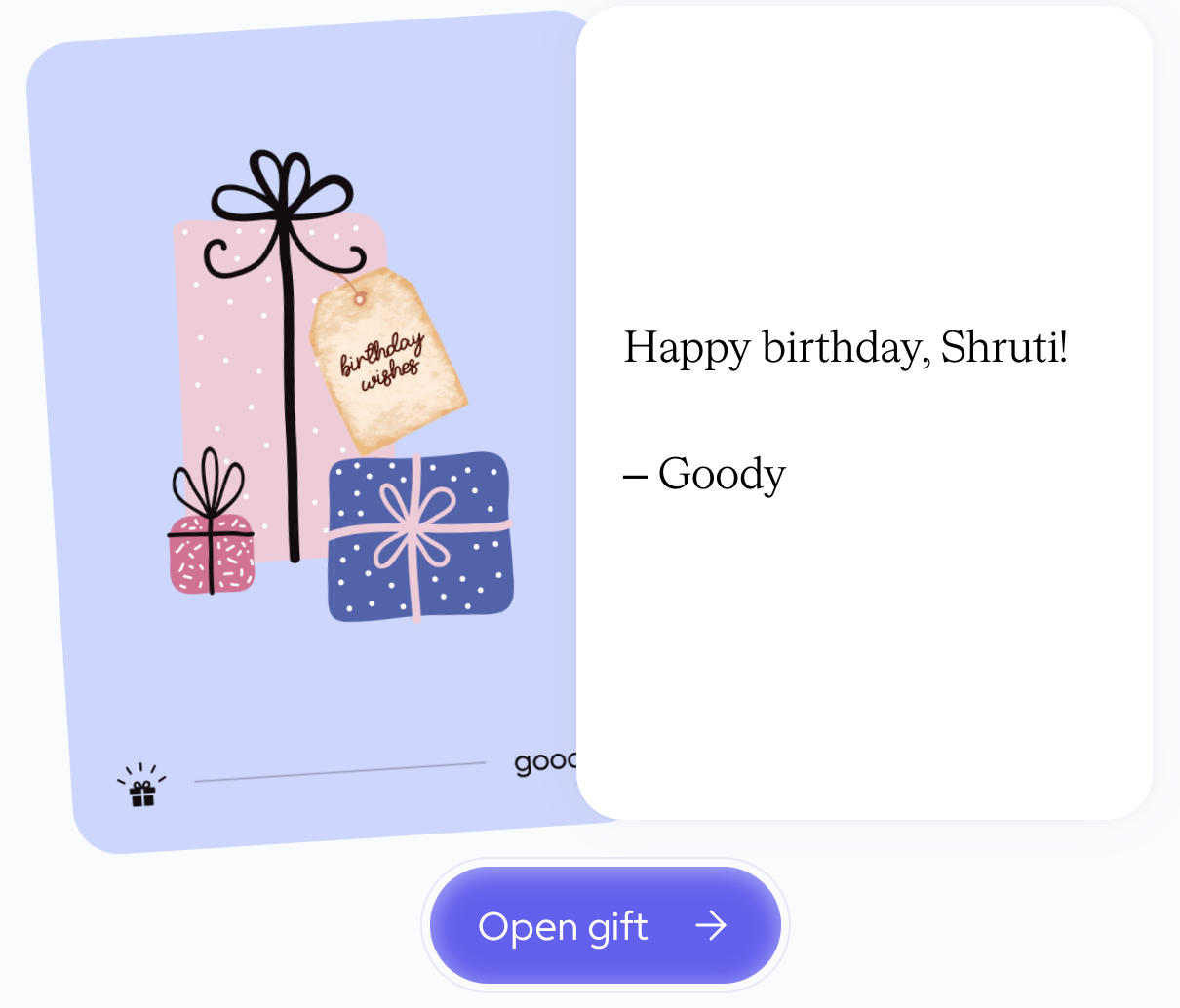
To upload a custom card, click the profile icon in the top right, then Custom Cards.
Collection Banners
If designing a gift Collection, you can upload a custom banner. These can be any size, but we recommend 2752 × 880 pixels.
📄 Collections - Design your own catalog