Browse the Store
Last updated: November 15, 2025
Looking to send a specific gift? Browse the Store or click Gifts at the top of the page to access our full catalogue.
Finding the Perfect Gift
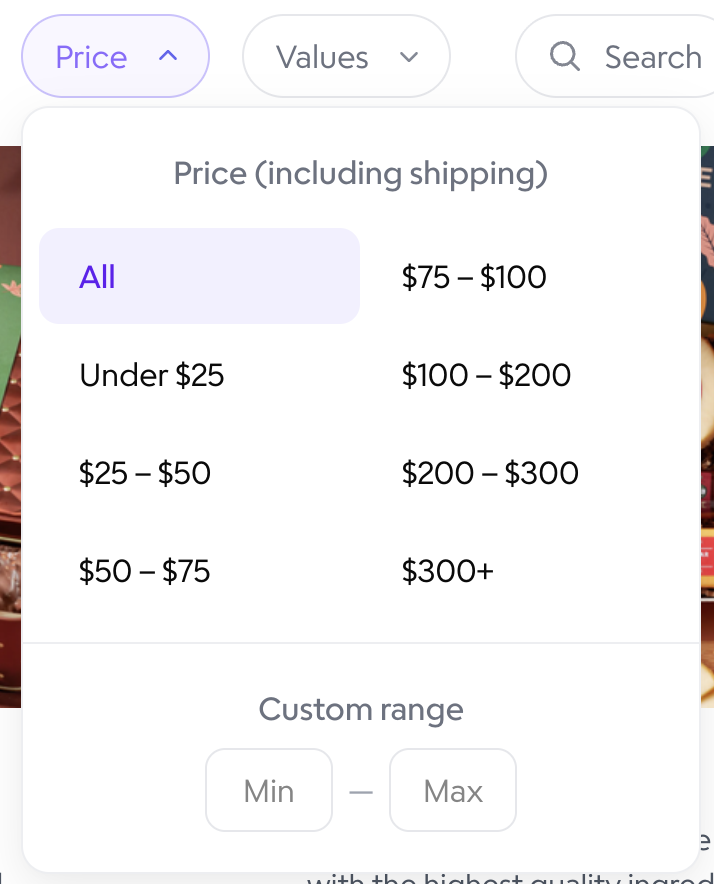
You can use the Price filter to find gifts within your budget. It will filter for the product+shipping cost.
View full brands or individual products using the toggle in the top left.

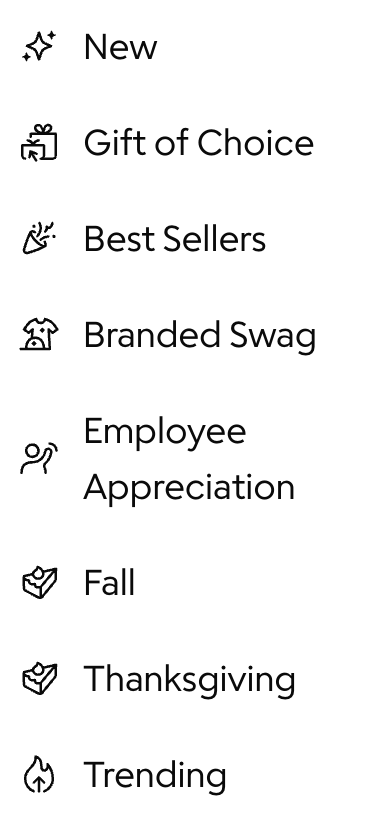
Use the filters on the left to view categories. They will adjust with seasonal occasions!
Sending the Gift
Click on the gift you would like to send.

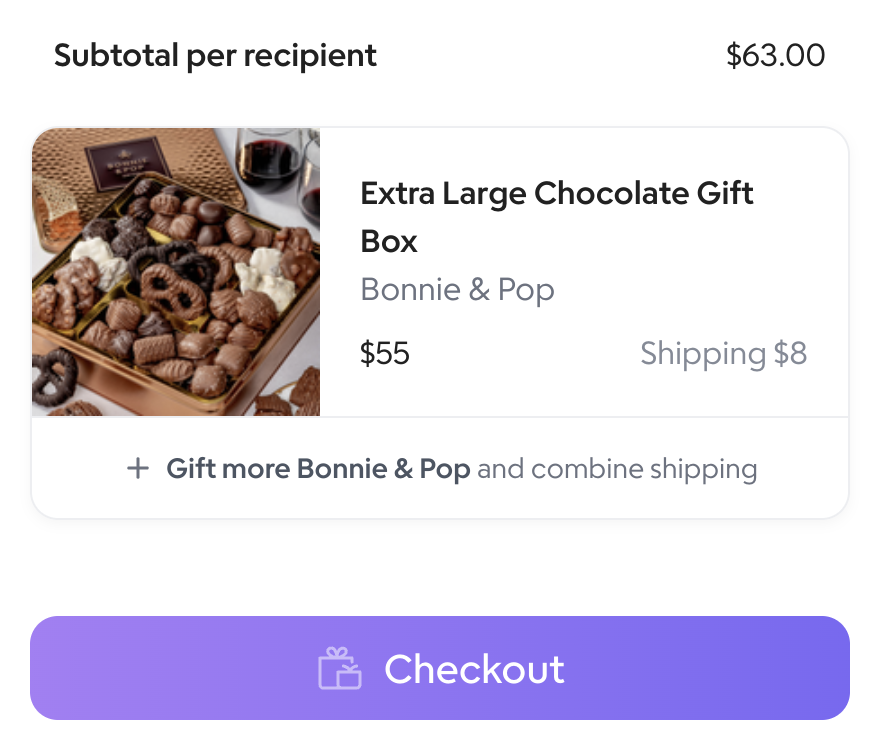
Click Add to Bag. This will bring you to your Send page.

Click Checkout.
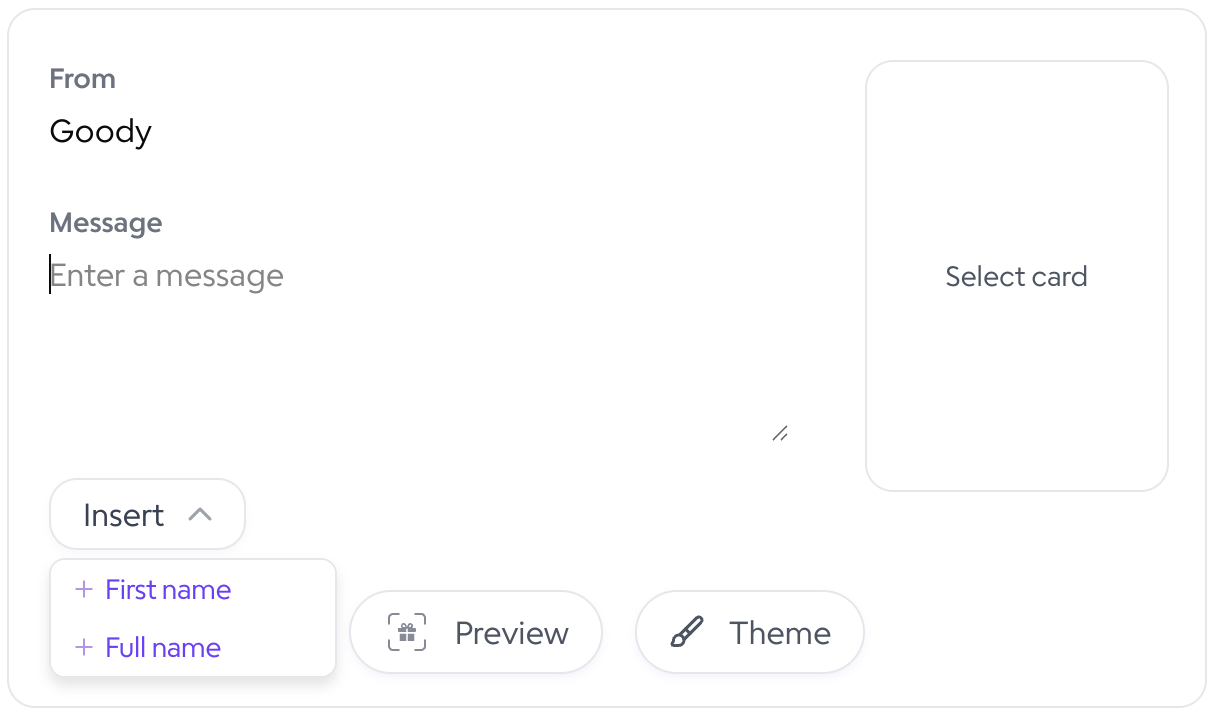
Set up your digital greeting card and message. You can include recipients' first names in the card by clicking "Insert > + First Name". Click on Select card to choose your greeting card. Click the Preview button to preview your gift & card.
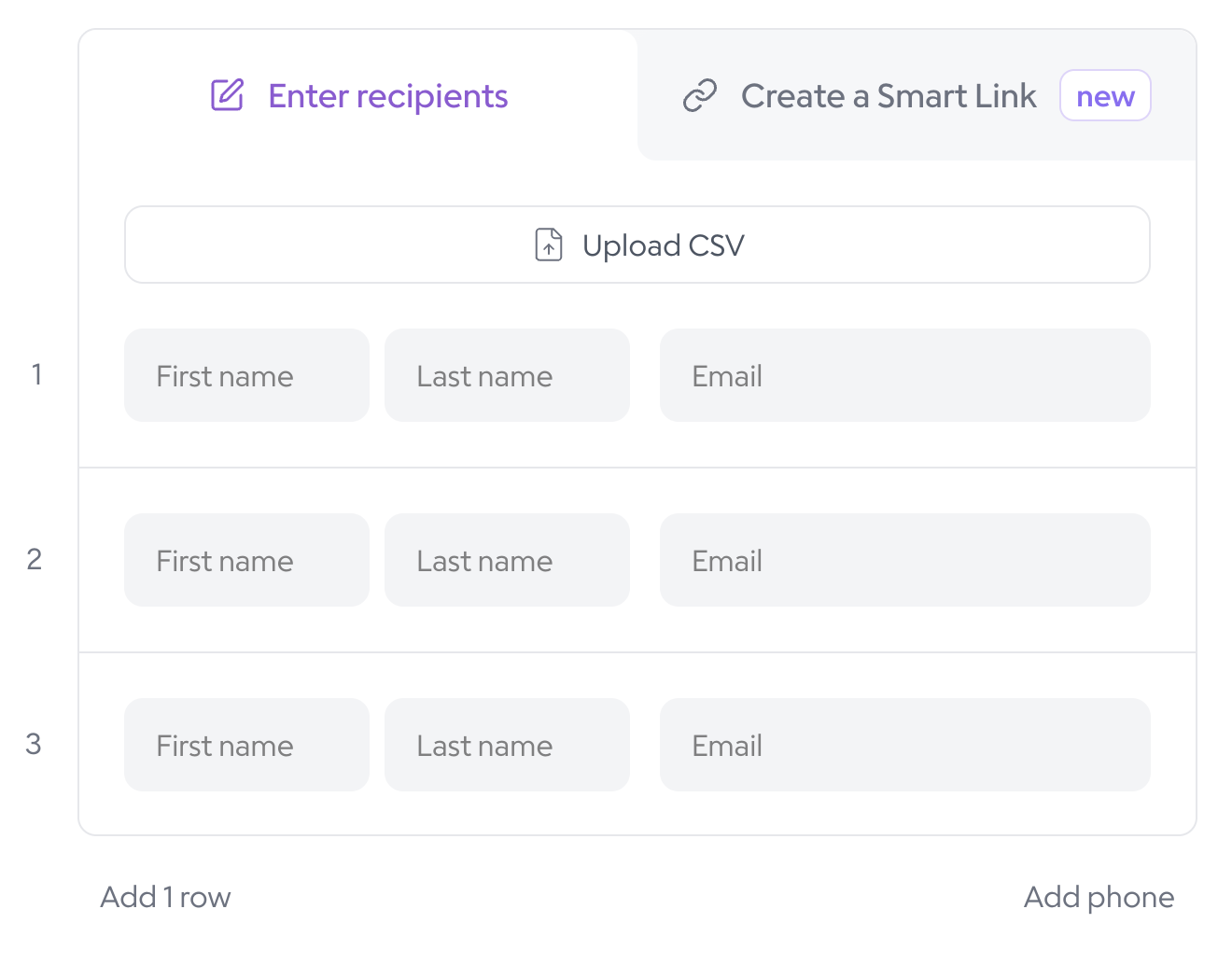
Upload a CSV of your recipient list or manually enter their first name, last name, and email address.
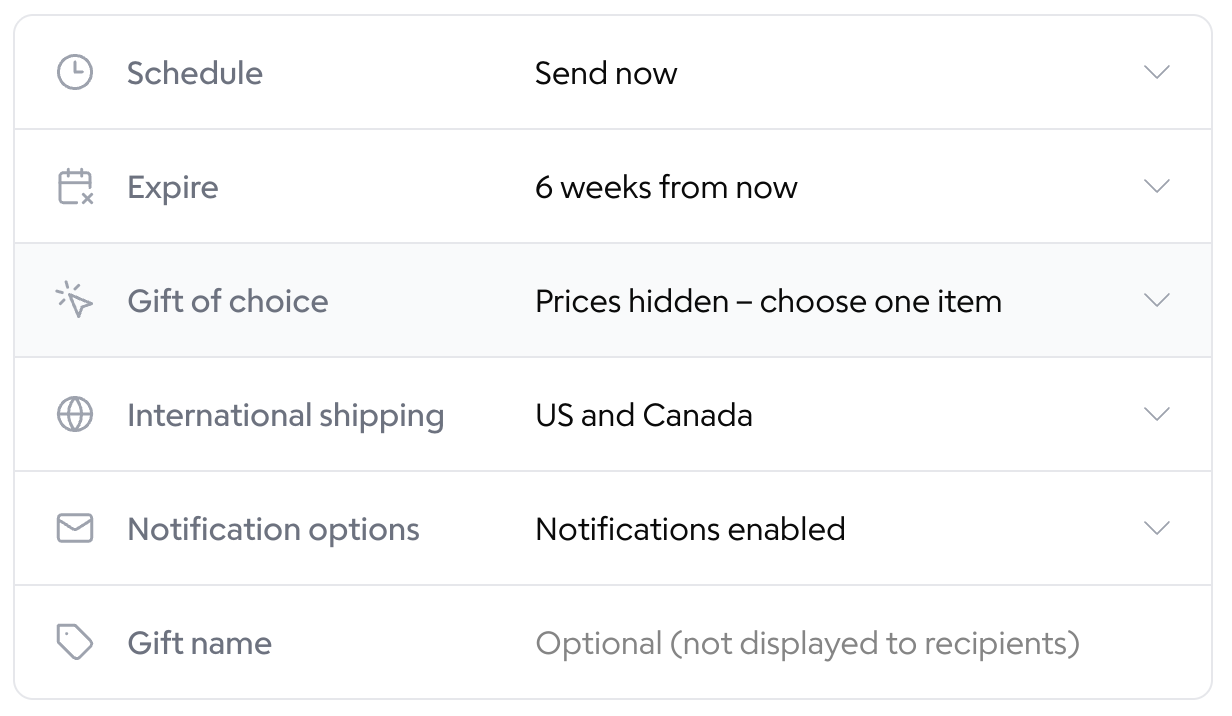
Choose your gift settings. You can schedule gifts to send later and select when they expire. You can turn off notifications if you would like to only send your own link to the gift batch, or connect Gmail to send from your email address.
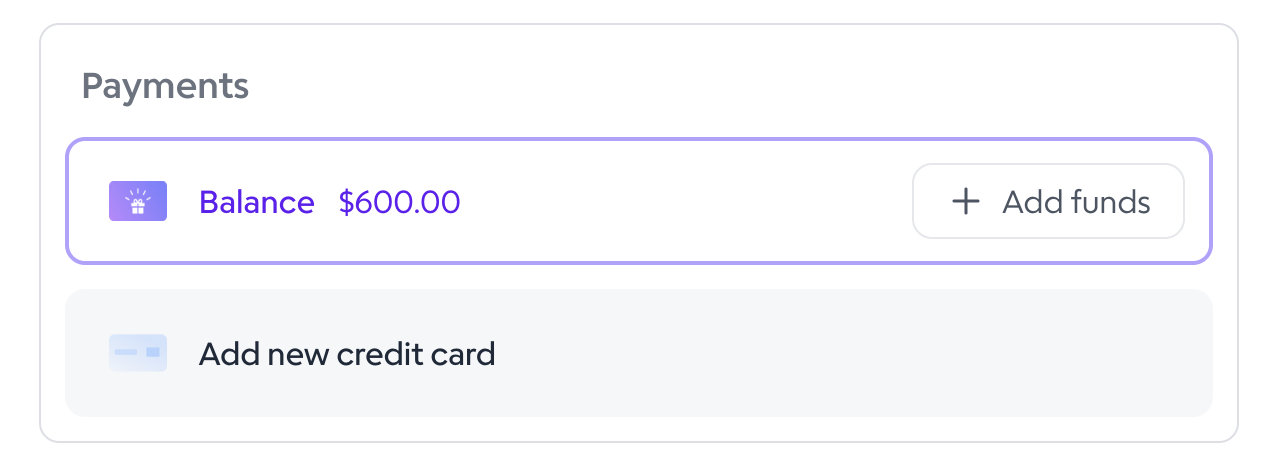
Select your payment method.
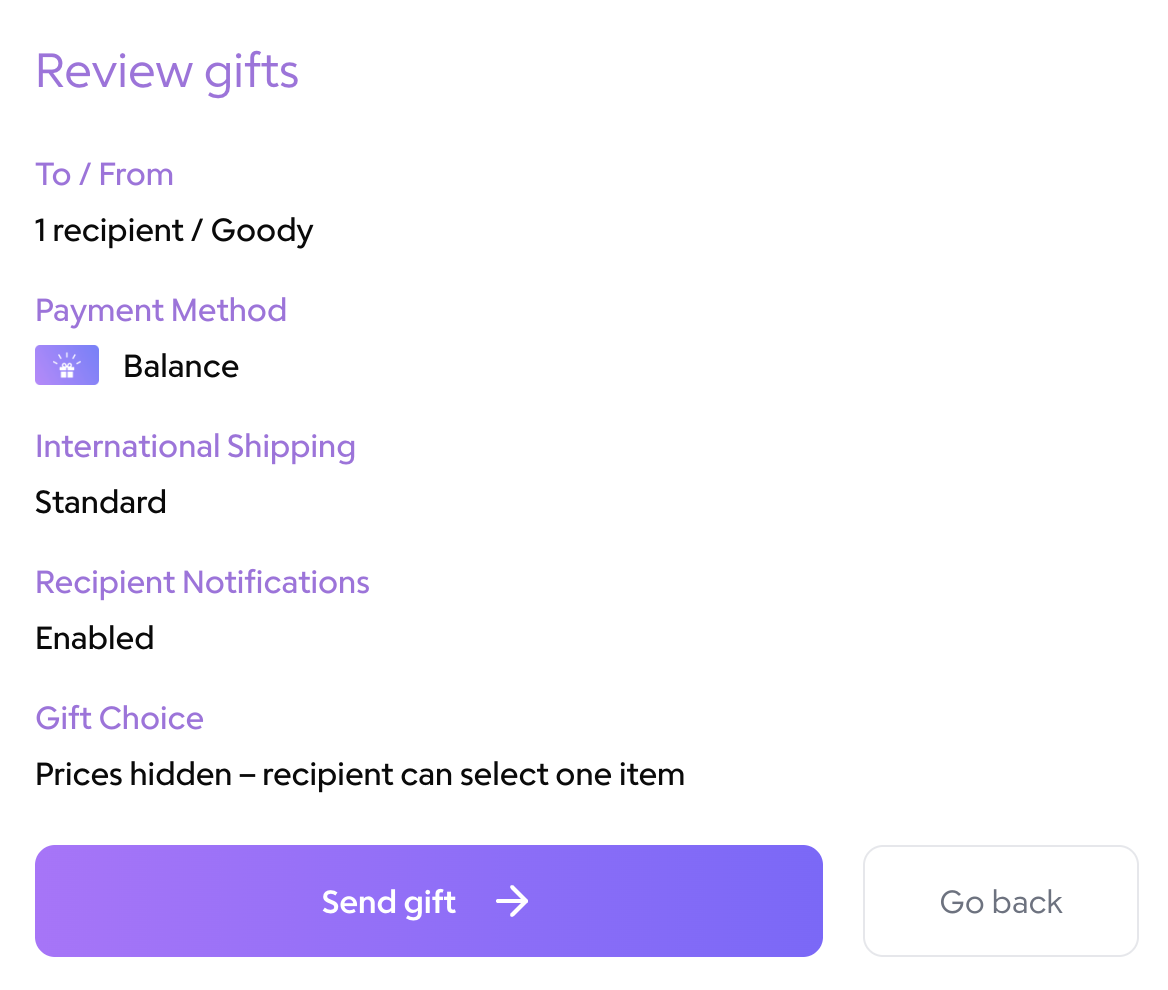
Click Review Gift.
Click Send Gift.