Create a Collection using Branded Swag
Last updated: December 16, 2025
Overview
Want to offer branded items for your team or customers to choose from? Our Collections feature allows you to curate your own gift catalog: from branded swag and physical gifts to gift cards and charity donations.
Creating Branded Swag
In order to add branded swag to a Collection, it needs to be customized and saved to your account first.
Open our On-demand Swag Catalog by clicking on Swag at the top of the Goody page.

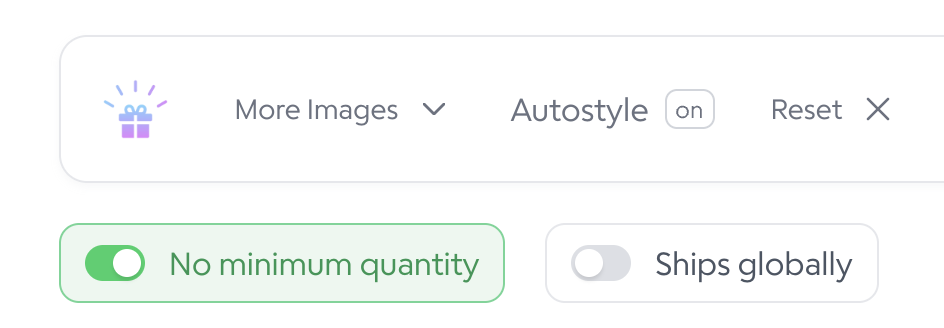
Toggle No Minimum Quantity on.
Click the item you would like to brand and click Customize.

Customize the item and save it to your account.

Adding Branded Swag to a Collection
Click Collections at the top of the Goody site.

Create a new Collection or edit an existing one.
Click Add Products.
Click Custom.
Select the item you want to add to the Collection.
Click Add to Collection.

Select all the items you want to add, then click Done in the top right.
Customize the Collection to your liking, then click Publish to save it.